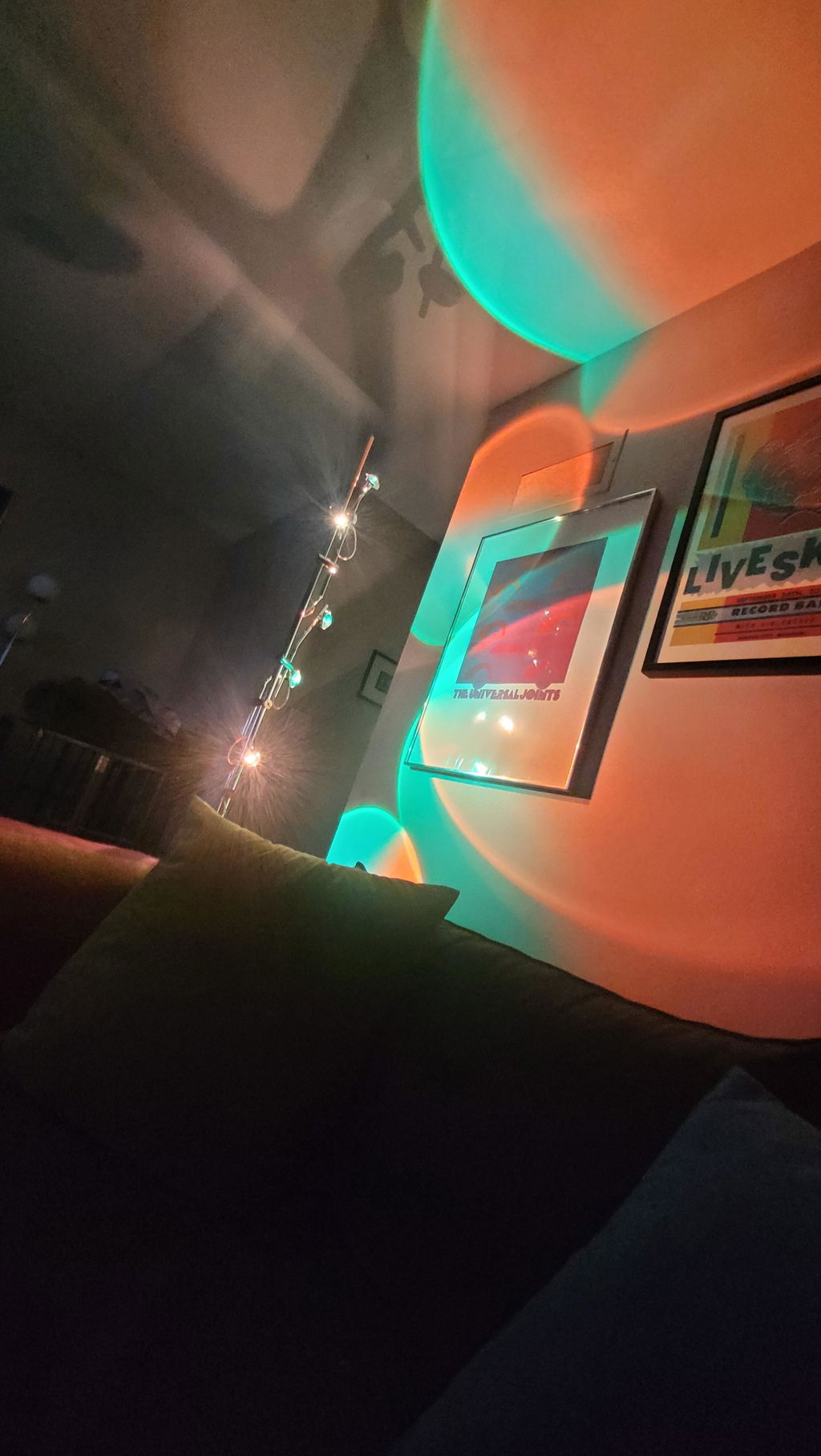
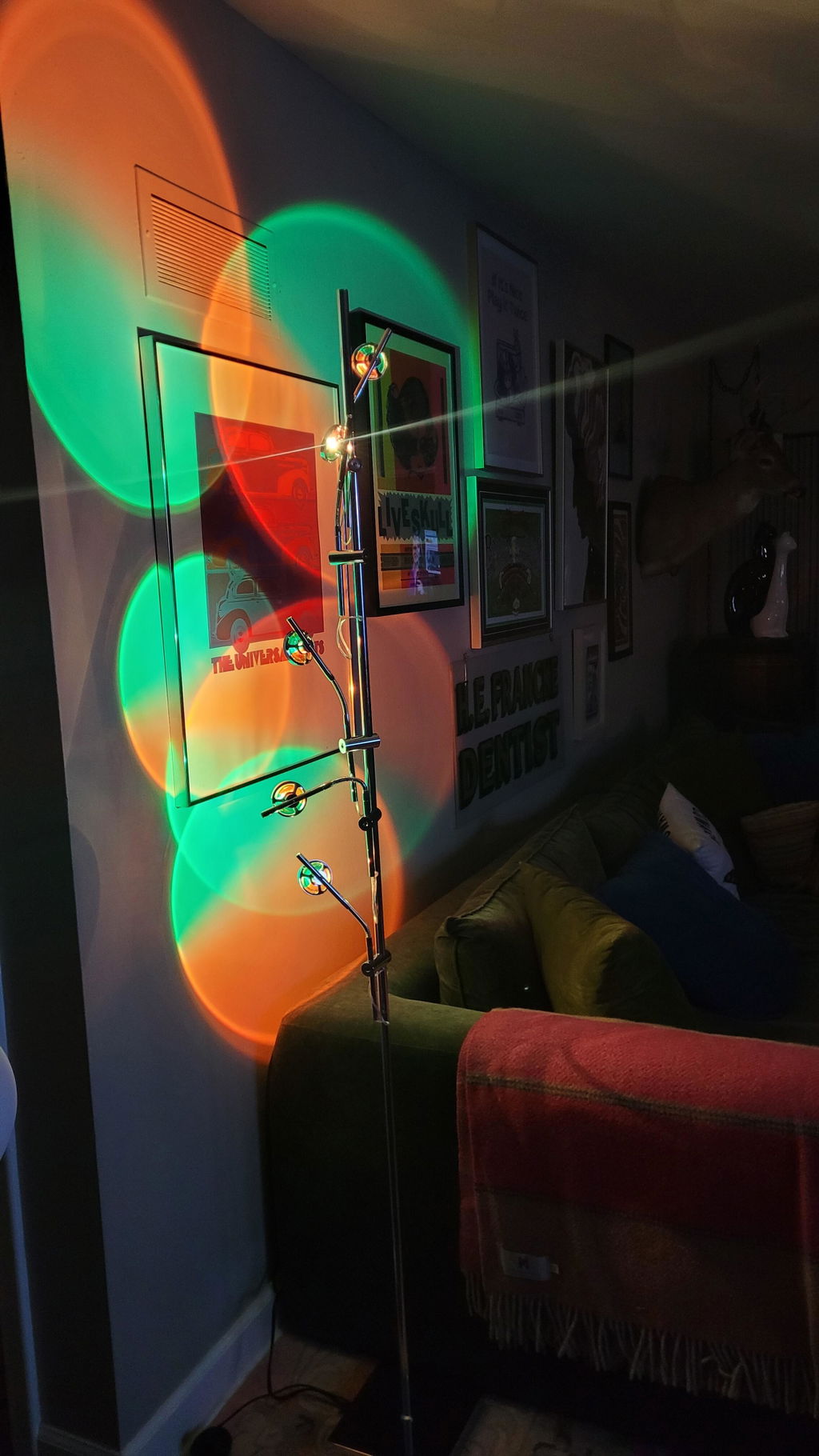
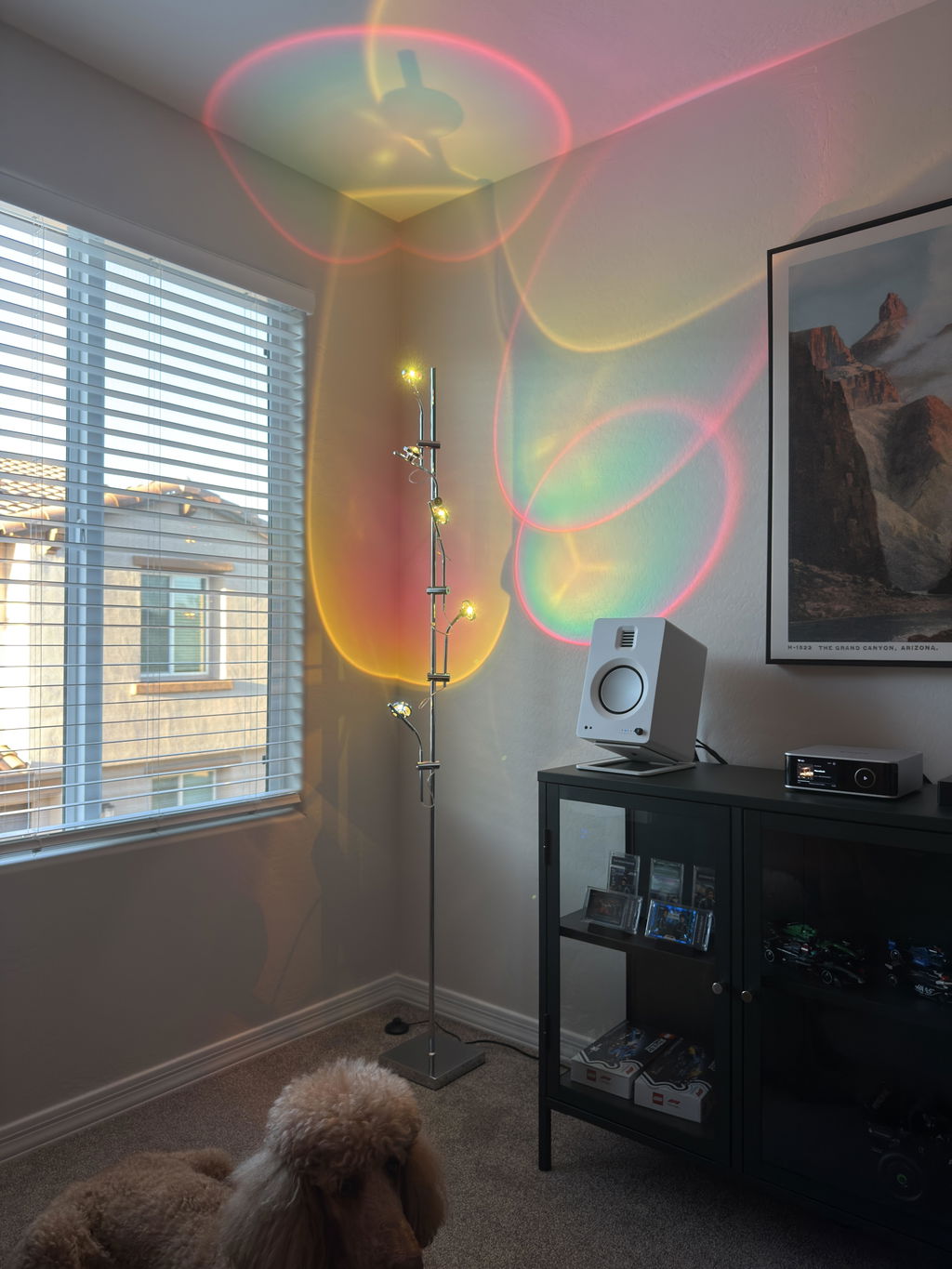
How does the lamp create different moods?
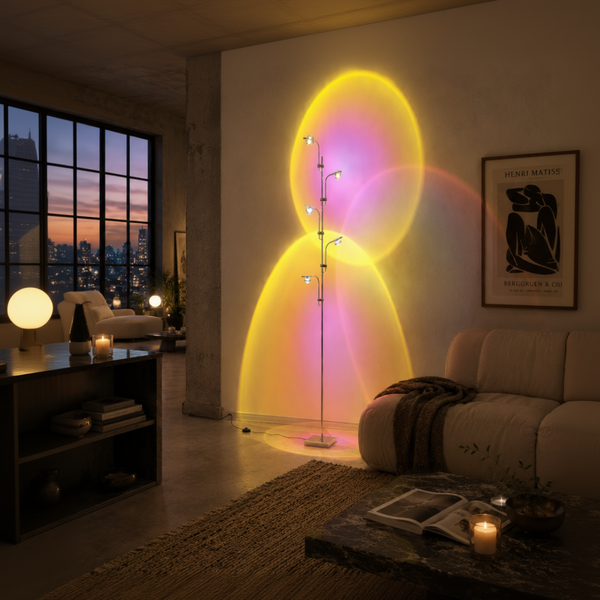
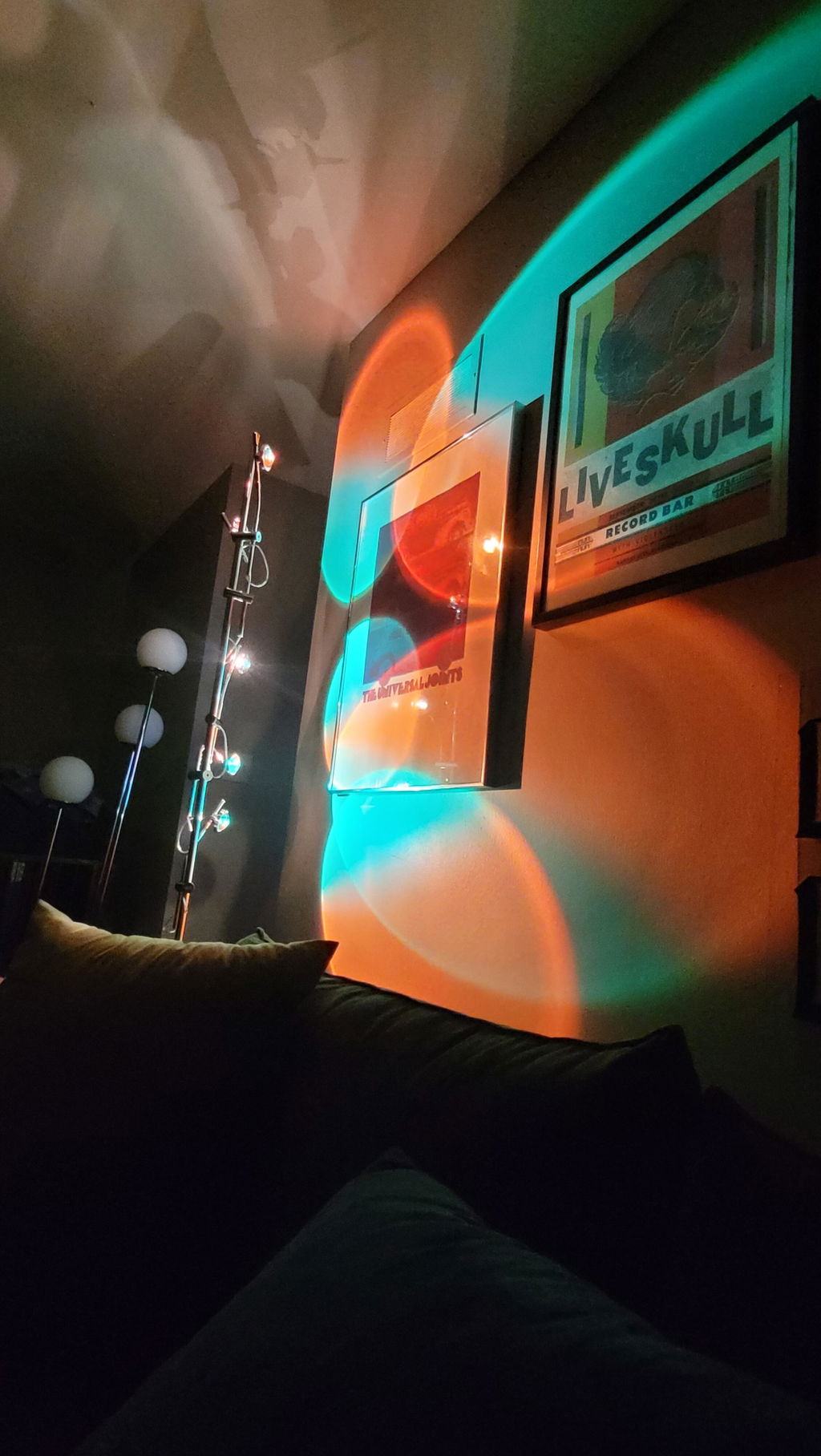
The lamp comes with 25 interchangeable color filter films in five colors: blue, green, orange, magenta and holographic. Slip one in to change the tone and atmosphere of the lamp without overpowering the space.
How do I insert or change the color filters?
Simply gently rotate the small acrylic dome, place the filter inside, and rotate it back into position. No tools, no force — just a soft twist.
Are the arms adjustable?
Yes — each arm is fully flexible, allowing you to point the light in any direction you like for both functional and decorative use.
How do I turn the lamp on and off?
Four ways: the foot switch on the cord, the remote control, the La Caza Cali App, or Siri and Apple Home.
Can I replace the bulbs?
No — the lamp uses an integrated LED light source, designed for long life, efficiency, and a seamless visual finish.
Is the lamp difficult to assemble?
Not at all. Assembly is very simple and typically takes 5 to 10 minutes. Clear instructions are included in the box.
Does the Polynescence Floor Lamp work with an app?
Yes. The free La Caza Cali App for iPhone turns it on and off. With a HomePod or Apple TV as your home hub, it can also switch the lamp on at your wake time and off at bedtime. Brightness and white tone are set with the included remote.
Is the Polynescence Floor Lamp compatible with Siri and Apple Home?
Yes. It works with Siri and Apple Home through Matter, so you can turn it on and off by voice or with Apple Home automations.
How do I connect the lamp to the app or Apple Home?
Scan the Matter QR code on the bottom of the foot switch with the La Caza Cali App or Apple Home, then follow the steps. If it won't connect, reset it: press the foot switch 10 times until the board in the base flashes, then scan again.
Is the Polynescence Floor Lamp dimmable?
Yes, with the included remote, which also sets the white light from cool to warm. The remote works straight away, with no pairing. The app, Siri and Apple Home turn the lamp on and off.